



Together with FAHASA, we are here to answer customers’ questions about how to download and use the fahasa.com website/app, place orders, track orders, and use F-Points — helping you enjoy our services more conveniently and efficiently.
Why Should You Use the fahasa.com App Instead of Shopping Directly at Bookstores?
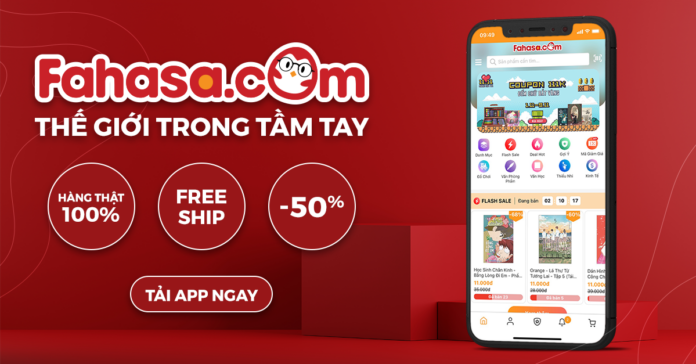
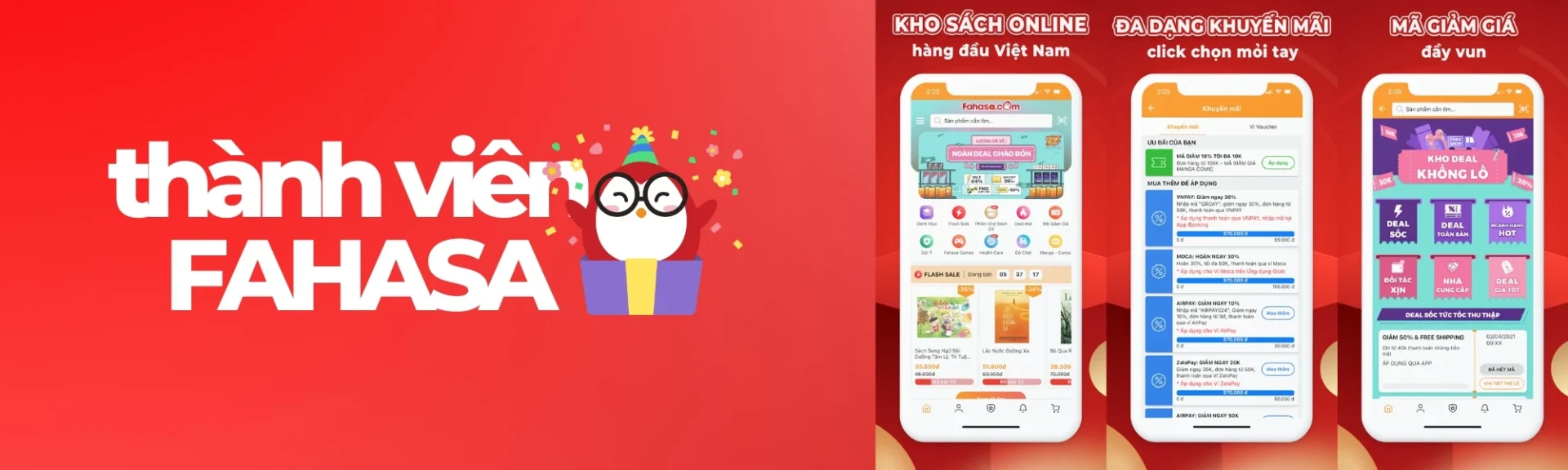
Besides operating 140 FAHASA bookstores nationwide, FAHASA has also developed the fahasa.com shopping app to provide customers with a more convenient and flexible shopping experience. With the app, customers can shop from home, enjoy app-exclusive discount codes, and benefit from flexible return policies.
“Is fahasa.com good?” is a question many customers ask. The information below will help answer that question:
- Exclusive promotions available only on the App: When shopping on the FAHASA App, customers can regularly enjoy exclusive promotional programs, better prices, and continuously updated special offers.
- Greater convenience with all features at your fingertips: fahasa.com integrates many modern features that allow users to easily search for products, place orders, and track deliveries anytime, anywhere. Its user-friendly interface and fast shopping experience make buying books easier and more convenient than ever.
- Exciting activities exclusively for app users: More than just a shopping platform, the FAHASA App also offers activities such as games, reward point collection, and participation in special promotional campaigns. These digital-exclusive experiences help strengthen the connection between FAHASA and the reading community.
Guide to Using the Main Features
fahasa.com offers a convenient and fast shopping experience for books and stationery products with a diverse and extensive product catalog. Users can easily search for, select, and manage orders anytime and anywhere through a user-friendly interface and a well-organized category system.
In addition, the platform provides many attractive promotions, flexible delivery policies, convenient return services, and various secure payment methods, helping customers shop online with confidence.
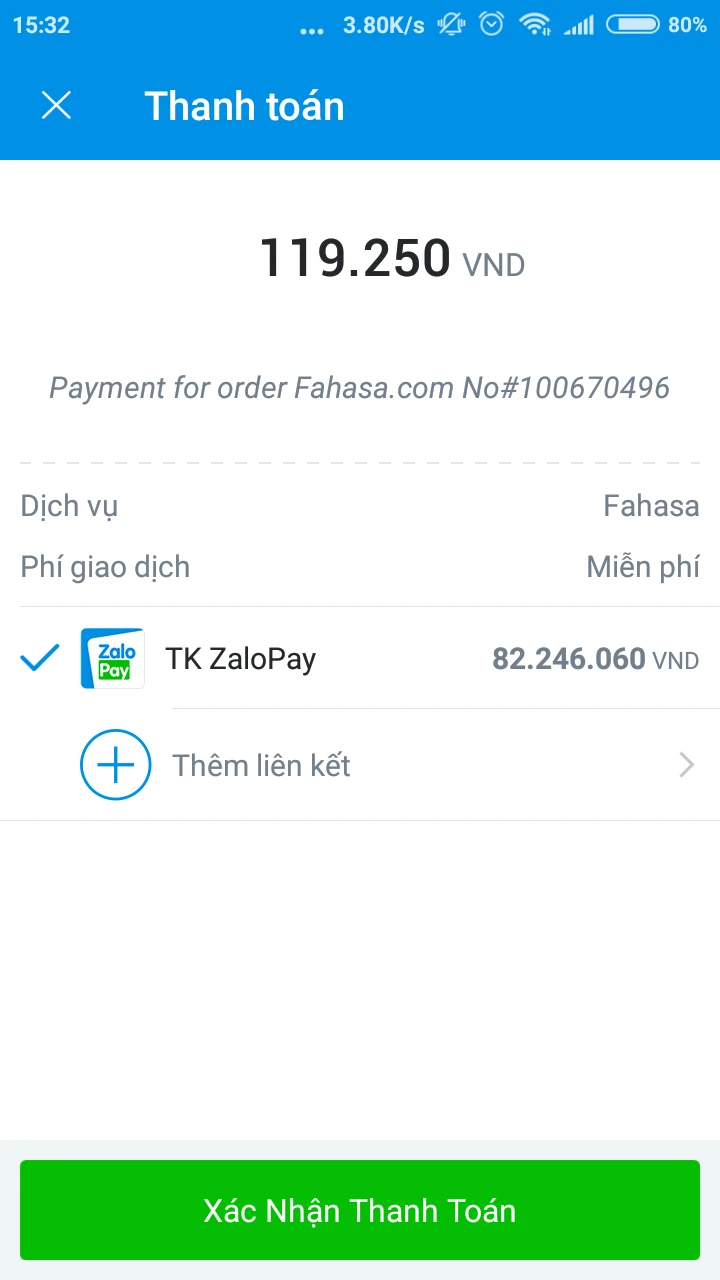
fahasa.com supports payments via international cards (Visa/MasterCard/JCB), domestic ATM cards, bank transfers, Cash on Delivery (COD), and popular e-wallets such as ZaloPay, MoMo, ShopeePay, and VNPAY.
Searching for and Ordering Books on the fahasa.com Website/App
Users can easily search for and purchase books through the clearly organized category system on the FAHASA website/app. Regularly browsing product categories and system recommendations also helps users quickly discover new books and suitable promotional offers.
Tracking Orders and Purchase History
If you have placed an order at FAHASA but have not yet received a delivery notification, you can easily check your order status with just a few simple steps. Normally, orders go through the following statuses:
Processing → Ready for Delivery → Delivering → Completed
Method 1: Quick Tracking via Link
Visit: https://www.fahasa.com/sales/guest/form/
Enter your order code and phone number
View your order status instantly
Method 2: Check Through Your FAHASA Account
Log in at: https://www.fahasa.com/
Go to My Orders
Select the order to view details and shipping updates
Method 3: Contact Customer Support
If you cannot track your order, you can call: (1900) 636.467
Or contact FAHASA via Facebook: https://www.facebook.com/fahasa
Viewing Promotions and Flash Sales
You can stay updated with FAHASA’s latest promotions through:
- Website/App: https://www.fahasa.com
- Facebook: https://www.facebook.com/fahasa
Following these channels regularly will help you avoid missing exciting offers and ongoing promotional activities.
F-Point Reward System – How to Earn and Redeem Points
F-Point is one of FAHASA’s key loyalty programs that helps customers save money while shopping. Monitoring and taking advantage of point accumulation and redemption programs will help you maximize your benefits when using FAHASA services.
What Is F-Point? How to Earn Points
F-Points are officially credited after an order has been successfully delivered.
- F-Points can be used like cash when making purchases on the Fahasa website/app.
- F-Points are calculated based on the total payment amount on the invoice, with different conversion rates depending on membership tiers.
Redeeming F-Points for Discounts and Gifts
Example: If a customer successfully completes a payment of 100,000 VND, the F-Points will be calculated as follows:
- SILVER Member: 0.5% × 100,000 VND = 500 F-Points
- GOLD Member: 1.0% × 100,000 VND = 1,000 F-Points
- DIAMOND Member: 2.0% × 100,000 VND = 2,000 F-Points

Membership Tiers and Corresponding Benefits
The total number of F-Points customers accumulate throughout the year is based on their purchases.
- Fahasa.com reviews customer membership tiers based on accumulated F-Points. Membership status may be upgraded, downgraded, or maintained depending on the total accumulated F-Points earned by the customer. The accumulation process will restart after the membership tier review is completed.
- On January 15 every year, Fahasa.com will reset the accumulated F-Point balance for all accounts. However, the current F-Points already available in customers’ accounts from purchases, games, voucher hunting activities, etc., will still be maintained.
- Membership tier reviews are conducted annually on December 31.
- To maintain a membership tier, customers must continue accumulating purchases throughout the year to ensure their accumulated F-Points reach the required membership thresholds before the annual review date on December 31. Otherwise, the membership tier will be adjusted according to the actual accumulated F-Points earned during that year.
Tips to Optimize F-Points and Maximize Savings When Buying Books at FAHASA
To make the most of F-Points, users should regularly stay updated on promotional programs, point-earning events, and membership policies on the FAHASA website/app. Combining purchases during promotional campaigns with smart point usage can help significantly reduce shopping costs.
FAQ – Frequently Asked Questions About Using the fahasa.com App and Optimizing F-Points
How Do I Download the FAHASA App to My Phone?
You can download the FAHASA App on:
- Android: Open CH Play → search for “Fahasa” → select the app → tap Install
- iOS: Open the App Store → search for “FAHASA” → tap Get to install
After installation, simply register or log in to start using the app.
How Do I Place an Order on the FAHASA App or Website?
To place an order, follow these steps:
- Search for products on the FAHASA website/app
- Add products to your cart
- Review your order information
- Choose a payment method and place your order
After successfully placing an order, you can track it directly through the system.
How Can I Track My FAHASA Order?
You can check your order status in three ways:
- Quick tracking via: https://www.fahasa.com/sales/guest/form/
- Check the My Orders section after logging in
- Call the FAHASA customer support hotline for assistance
What Order Statuses Does a FAHASA Order Usually Go Through?
Orders typically go through the following stages:
Processing → Ready for Delivery → Delivering → Completed
Tracking the order status helps you stay informed during the delivery process.
What Is F-Point and How Is It Used?
F-Point is a reward point system accumulated through purchases on FAHASA. These points can be used like cash to pay for orders or redeem special offers.
The number of points earned depends on your membership tier and the order value.
How Can I Earn More F-Points?
To optimize your F-Points, you should:
- Shop during promotional campaigns
- Follow point accumulation programs
- Maintain a higher membership tier to receive better conversion rates
What Payment Methods Does FAHASA Support?
FAHASA supports multiple payment methods, including:
- Cash on Delivery (COD)
- Domestic ATM cards
- International cards (Visa/MasterCard/JCB)
- E-wallets (MoMo, ZaloPay, ShopeePay, VNPAY)
How Can You Avoid Missing Promotions on FAHASA?
You should regularly follow:
- The fahasa.com website/app
- FAHASA’s official Fanpage
Promotional programs and flash sales are updated continuously, helping you shop more economically and enjoy better deals.
Conclusion
Using the FAHASA App not only makes book shopping more convenient, but also provides many benefits in terms of promotions, reward points, and overall user experience. To maximize promotional offers and the F-Point reward system, you should regularly follow updates on the FAHASA website/app and its official communication channels.
Staying updated proactively will help you avoid missing attractive promotions while also optimizing your shopping costs at the right time.








Related posts
What to Give on October 20? Vietnamese Women’s Day Gift Ideas at FAHASA 2026
Vietnamese Women’s Day on October 20 is a special occasion to send heartfelt wishes and meaningful gifts to mothers, wives, girlfriends, teachers, colleagues, and the women you cherish. If you’re still wondering what to give on October 20, explore the gift ideas available at FAHASA below to easily find the perfect present for your loved ones. Why Choose FAHASA for October 20 Gifts? Convenient Shopping Online and In-Store: If you prefer to see products in person before making a purchase, you can visit one of FAHASA’s 150 bookstores nationwide. If shopping in-store isn’t convenient, you can browse and order products...
30+ Meaningful and Unique October 20 Gift Ideas That Women Will Love
Wondering what to give on October 20 that is both meaningful and suitable for the recipient? If you’re still unsure what to buy for Vietnamese Women’s Day, these 30+ gift ideas from FAHASA will help you easily find the perfect present for your mom, wife, girlfriend, colleagues, or teachers. How to Choose Meaningful October 20 Gifts When buying gifts for October 20, the price isn’t the only factor that determines how meaningful a present is. A gift that reflects the recipient’s interests, needs, and your relationship with them often brings more joy and appreciation than an expensive item that lacks...
What Gift Should You Buy for October 20th? Top 8+ Meaningful Vietnamese Women’s Day Gifts from FAHASA
Vietnamese Women’s Day (October 20th) is a special occasion to express love and appreciation to mothers, teachers, colleagues, and close female friends. A thoughtful gift, no matter how small, can make the recipient feel truly cared for and loved. If you’re still wondering what to buy for your wife, mother, or girlfriend this October 20th, let FAHASA inspire you with our list of the most meaningful and practical Women’s Day gift ideas below! Top 8+ Gift Ideas for October 20th at FAHASA 1. Scented Candles – A Delicate Gift for Inner Peace If you’re looking for a small yet elegant...